1. Start with an idea
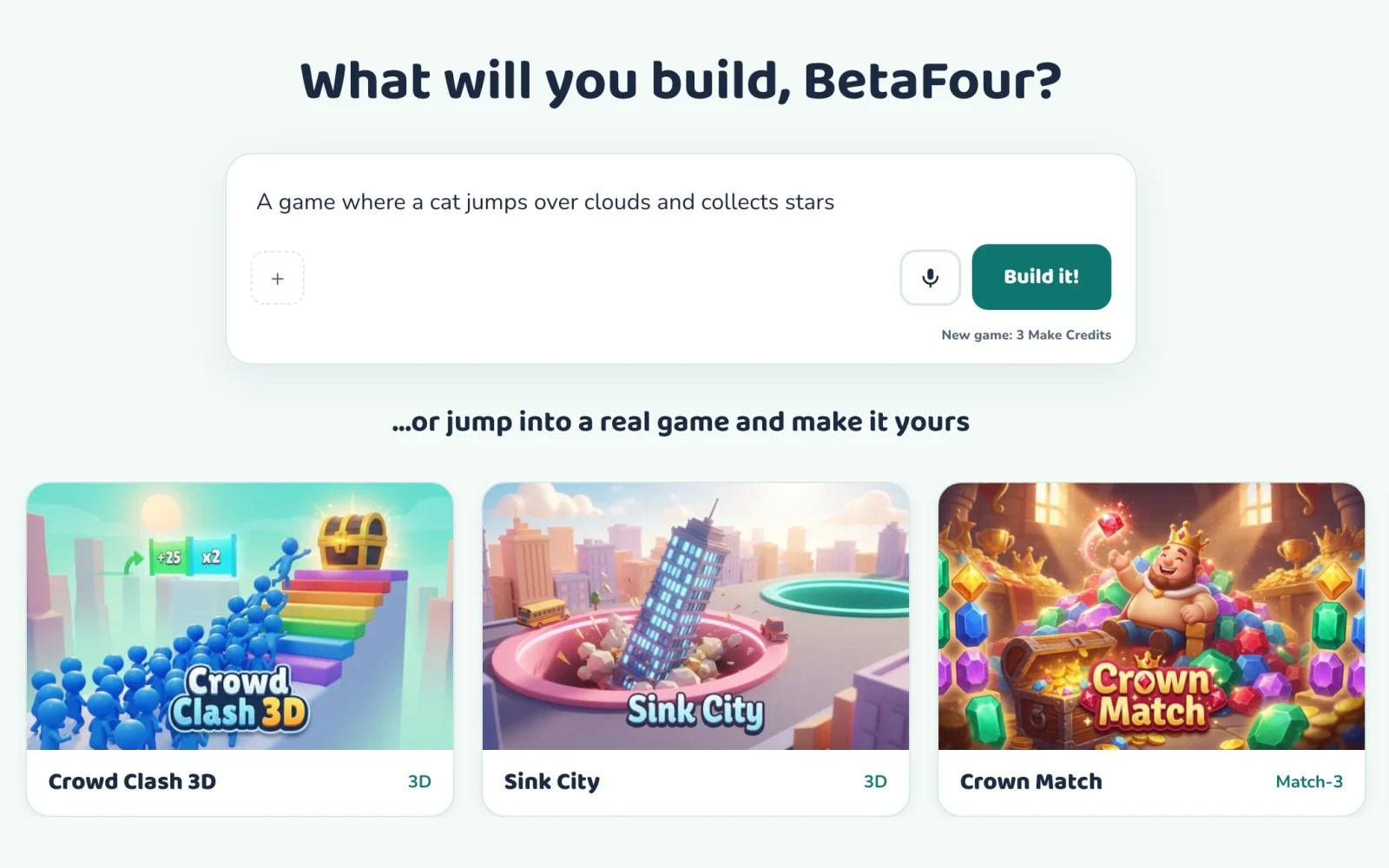
A maker picks a starter game or a blank canvas and describes the game in their own words. They can type it or use optional dictation.
 Makiekids make games with AI
Makie turns a child's idea into a game they can play, change and share. Here is the whole loop in plain words.
A maker picks a starter game or a blank canvas and describes the game in their own words. They can type it or use optional dictation.
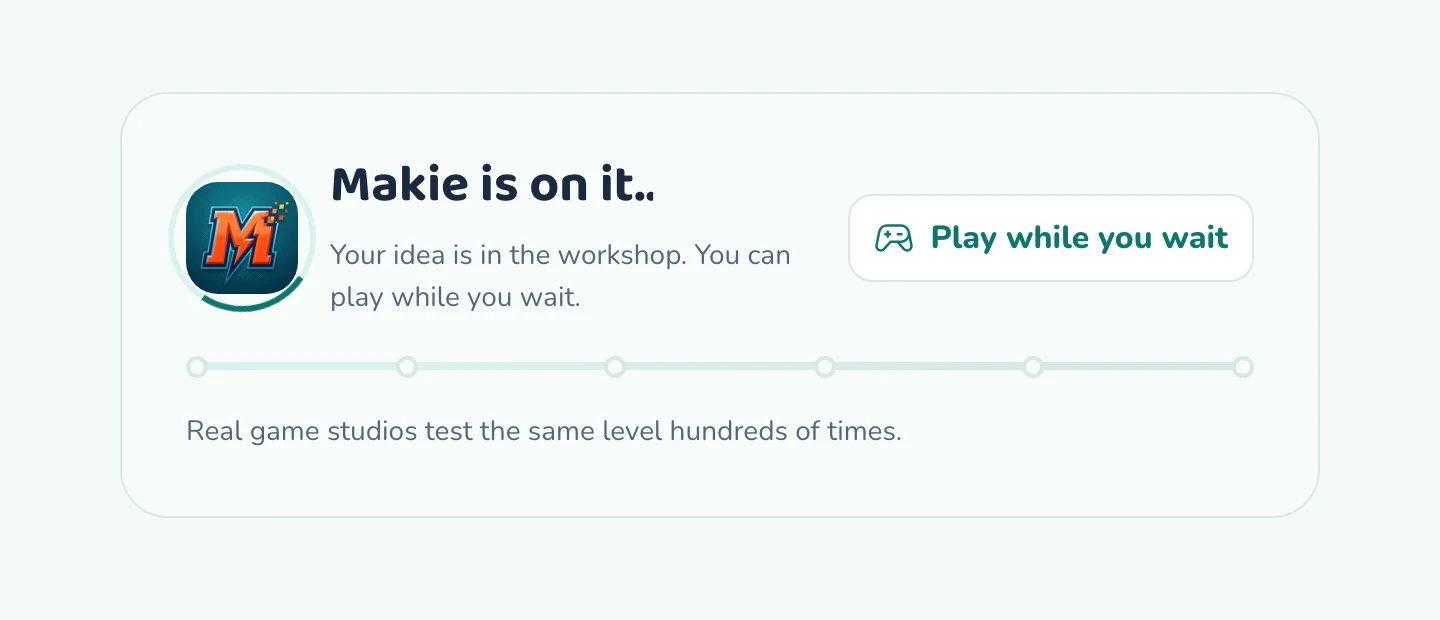
Makie writes real code for the game while the maker watches. What the maker types is checked before anything is built, and the finished game is checked again before they see it. A new game uses 3 Make Credits. If a build fails, the credits it reserved are refunded.
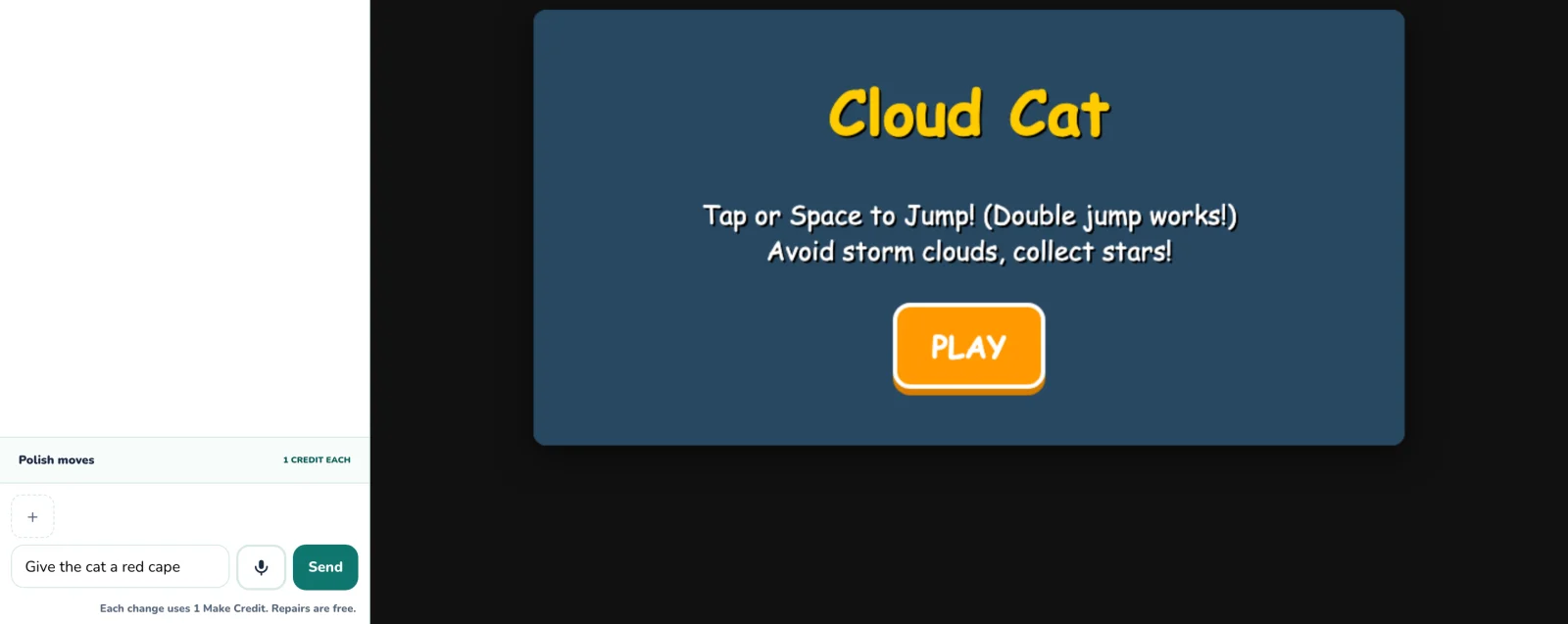
Every change is one sentence: a new hero, a different rule, a whole new world. Each change uses 1 Make Credit and repairs are free. When an update is ready the game switches to it automatically and keeps supported progress. Curious makers can open the real code and see how it works.
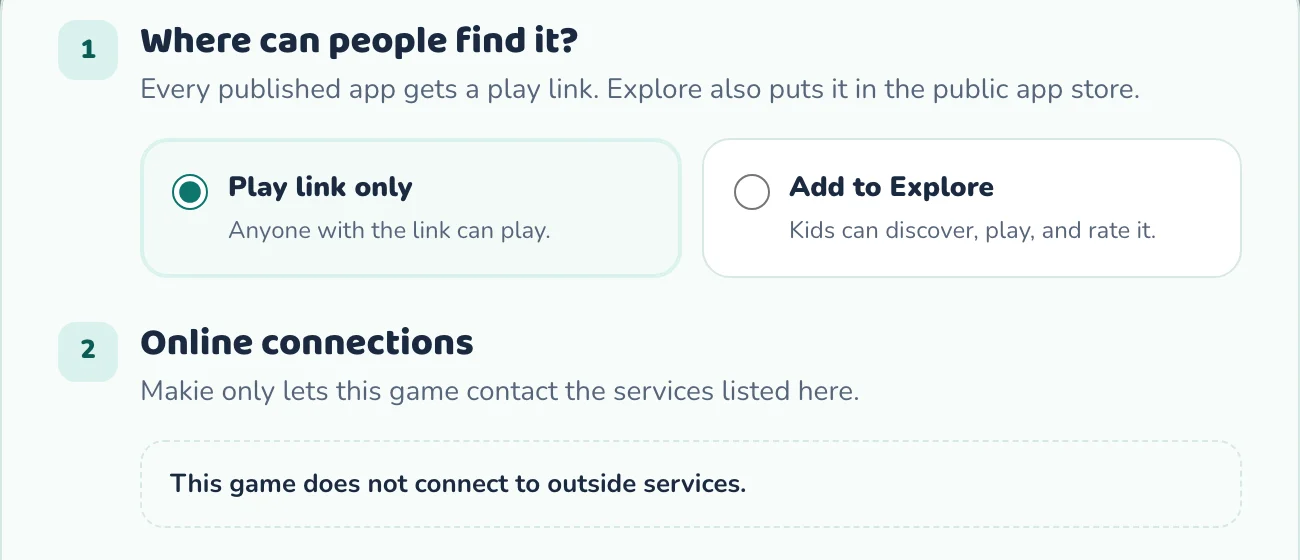
Games are private until a maker chooses to publish. Publishing is free and creates a play link to a fixed version of the game. The maker can also add it to Explore, where it appears after an automated safety review, and choose whether other signed-in makers may make their own private copy with credit to the original.
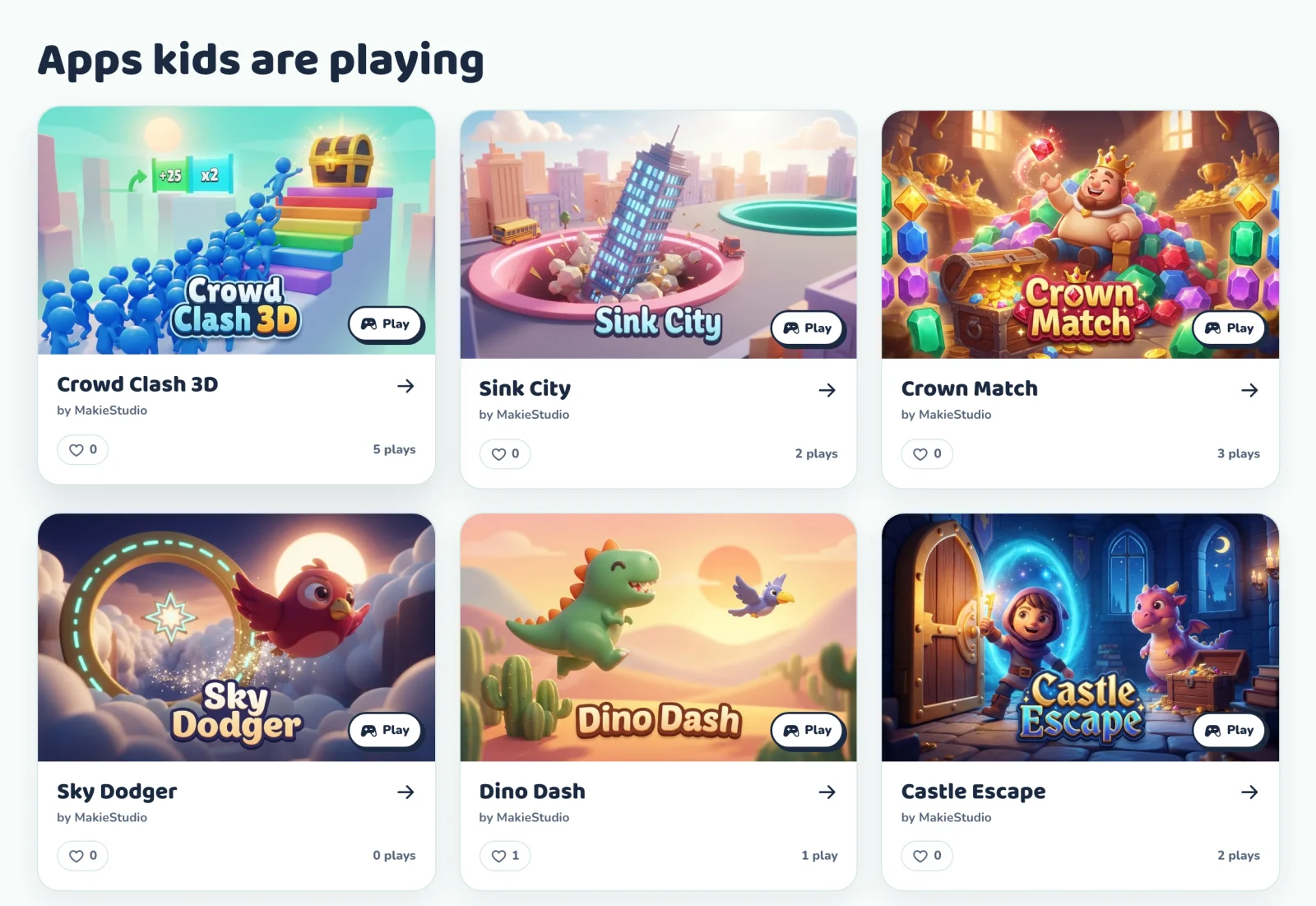
Public games can be played without signing in. Signed-in makers can like a game with a heart, and tap it again to take the like back. When the creator allows it, a maker can remix a game into their own version for 3 Make Credits.
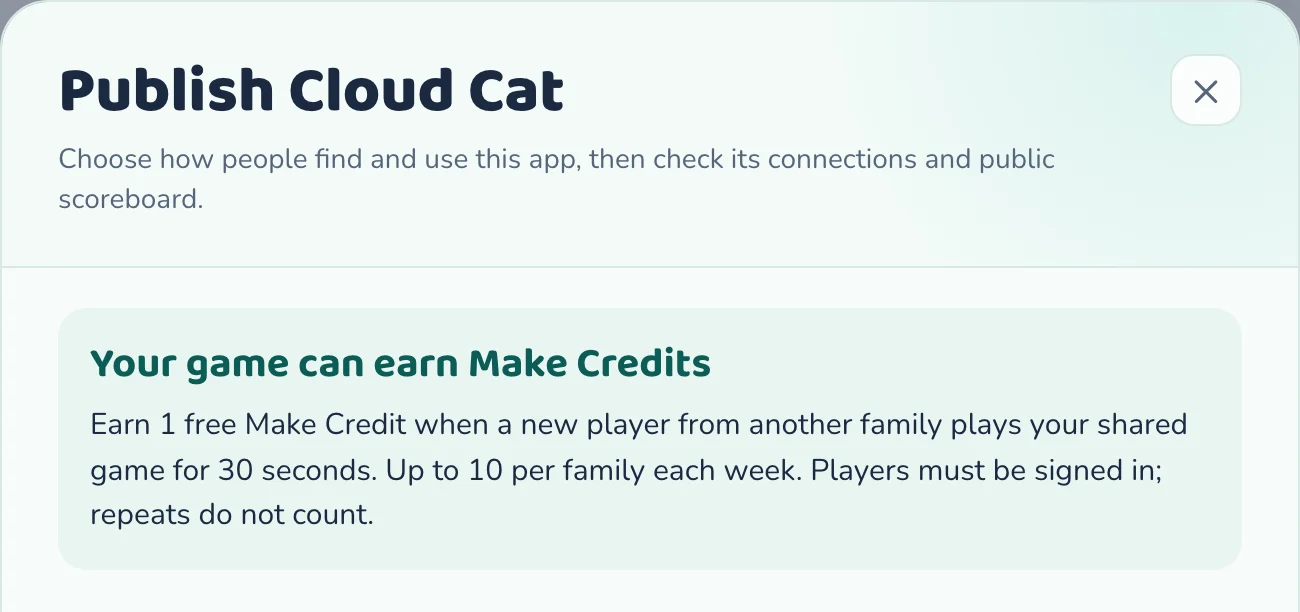
On a Maker or Studio plan, when a signed-in child from another household actively plays one of your shared games for 30 seconds, your household earns one Make Credit. Earned credits carry over. Limits apply, and earning is never guaranteed.